

Sinoarcade
Punk Workshop Mini BOX Leverless Controller Mini HitBox SOCD Fighting Stick Controller Mechanical Button Support PC PS5
Punk Workshop Mini BOX Leverless Controller Mini HitBox SOCD Fighting Stick Controller Mechanical Button Support PC PS5
Couldn't load pickup availability
2025 latest version Punk Workshop All-Button Fighting Game Controller Smart Fight Stick Mini Hitbox V3 Version SOCD Supported Mechanical Buttons with Switches Compatible with PC/Android Supports Switch/PC (Windows®11 / 10) 3 kinds of Layout Carbon Fiber Case available
The Fighting Gamer controller is a unique controller not only because it allows you to input SOCDs, but it also gives you the the ability to switch among many SOCD Resolutions. The Fighting Gamer controller has 3pcs Mechanical Buttons and 1 Mechanical Buttons on the left side of the controller, instead of the traditional analog joystick, with 8pcs Mechanical Buttons for the action buttons on the right side of the controller. The Fighting Gamer controller is compatible with PC/Android by using Zero Delay Arcade USB Encoder with SOCD Supported.
Features:
4pcs mechanical push buttons as directional keys
8pcs mechanical push buttons as action buttons
Great thing is, you can swap the switch to customize the Feel, Tension, and Actuation at your wish
Different Arcade USB Encoders inside available
2 buttons on the side as start and select buttons
Customs Panel are available
Specification:
Cable type: USB (Type B to Type A)
Buttons: socd lsdprs home back start L3 R3
Cable length: about 3m
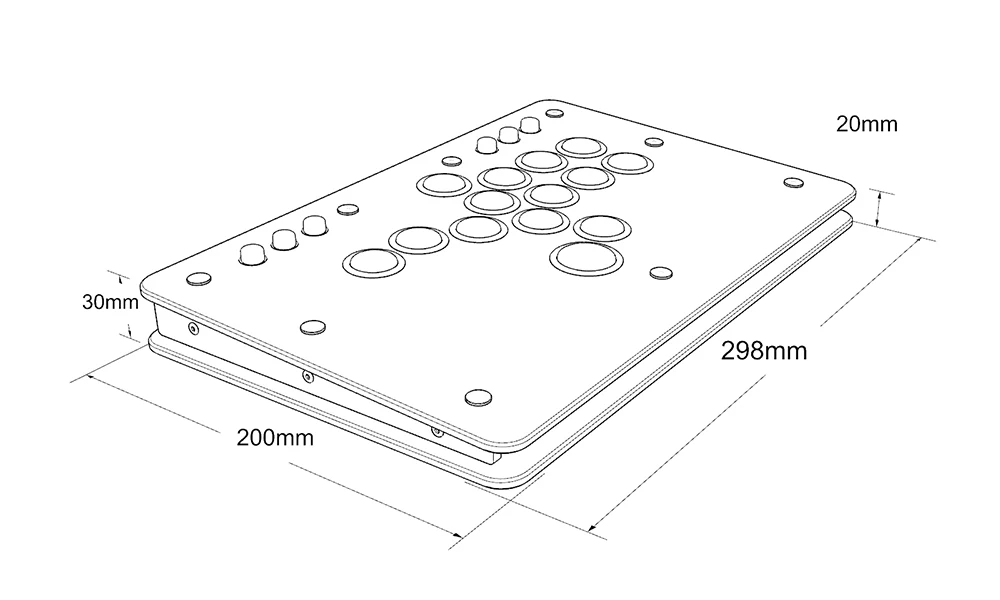
Panel Material: Acrylic
Buttons Function Layout:
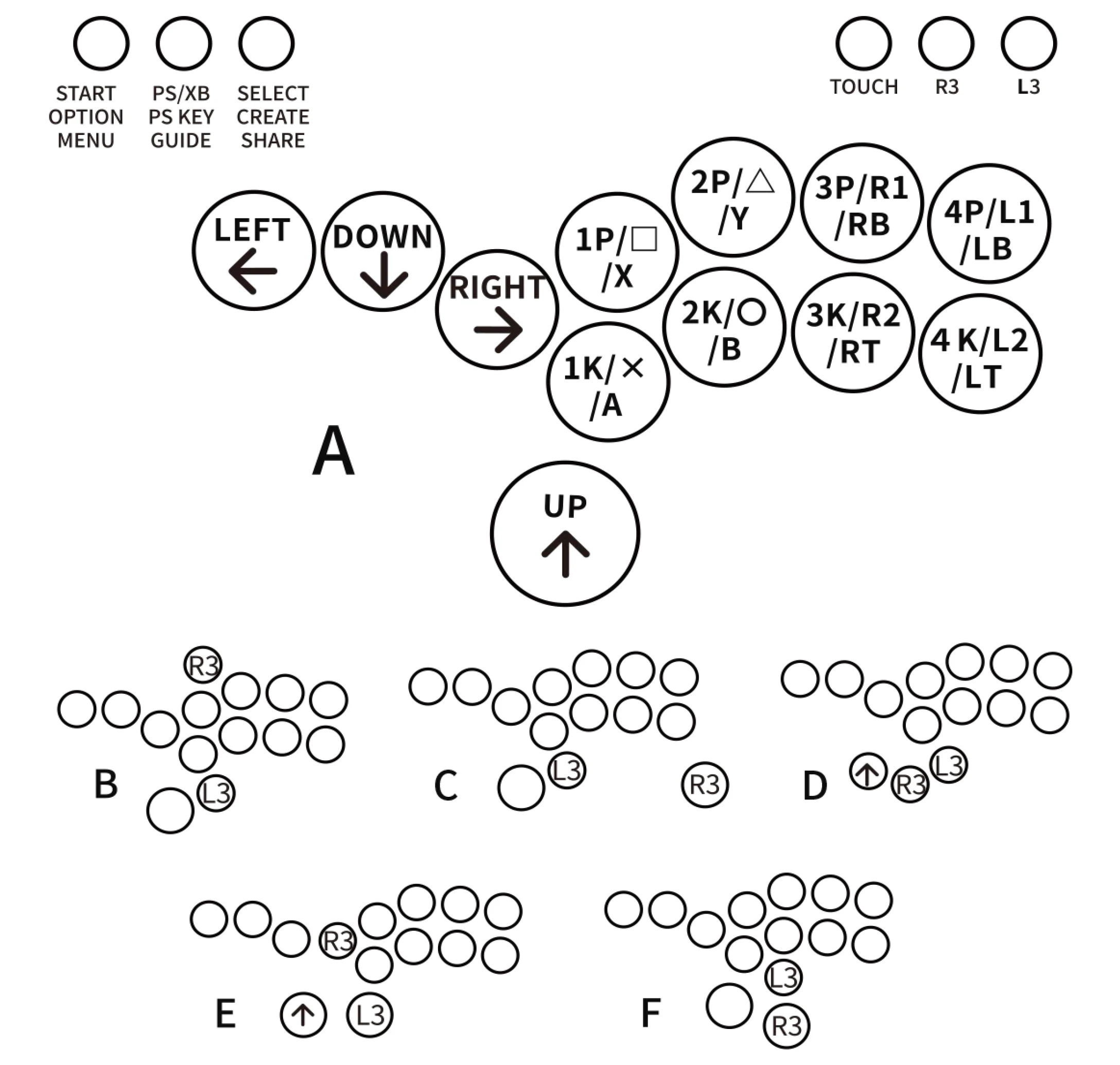
About Punk Workshop PKB 2040 Board
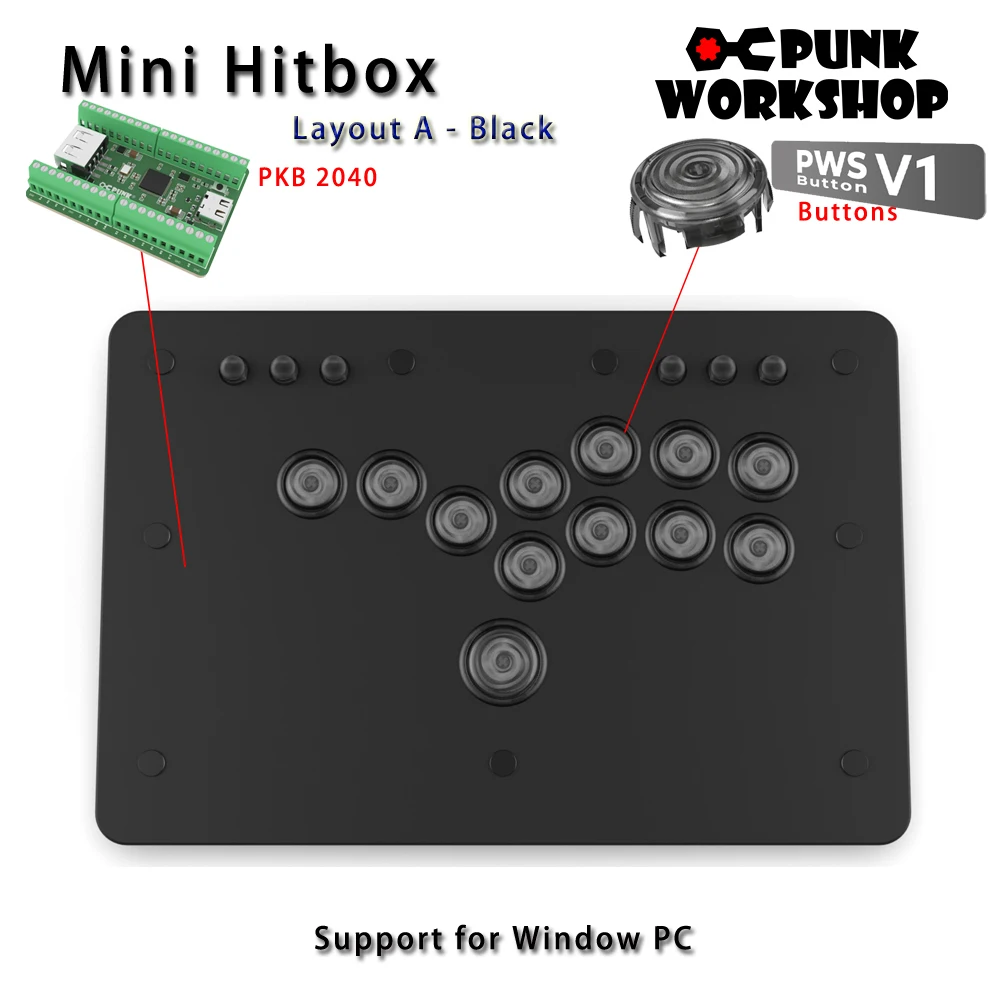
The "PKB 2040" is designed specifically for fighting game play in PC environments, following the same specialized design as the previous boards. It will be shipped with a focus on stability, with unnecessary features turned off. Please note that the "PKB 2040" is intended for use with PCs, and support for use on other platforms is not available. However, it can be used on other gaming platforms, including PS5, by utilizing conversion devices such as the Brook Wingman FGC and Magicboots.
Note: "SOCD settings" refer to the function that controls the behaviour when opposing directional inputs are made simultaneously. In addition to the "SOCD settings," customers will need to perform additional configurations for other functions supported by the GP2040-CE.

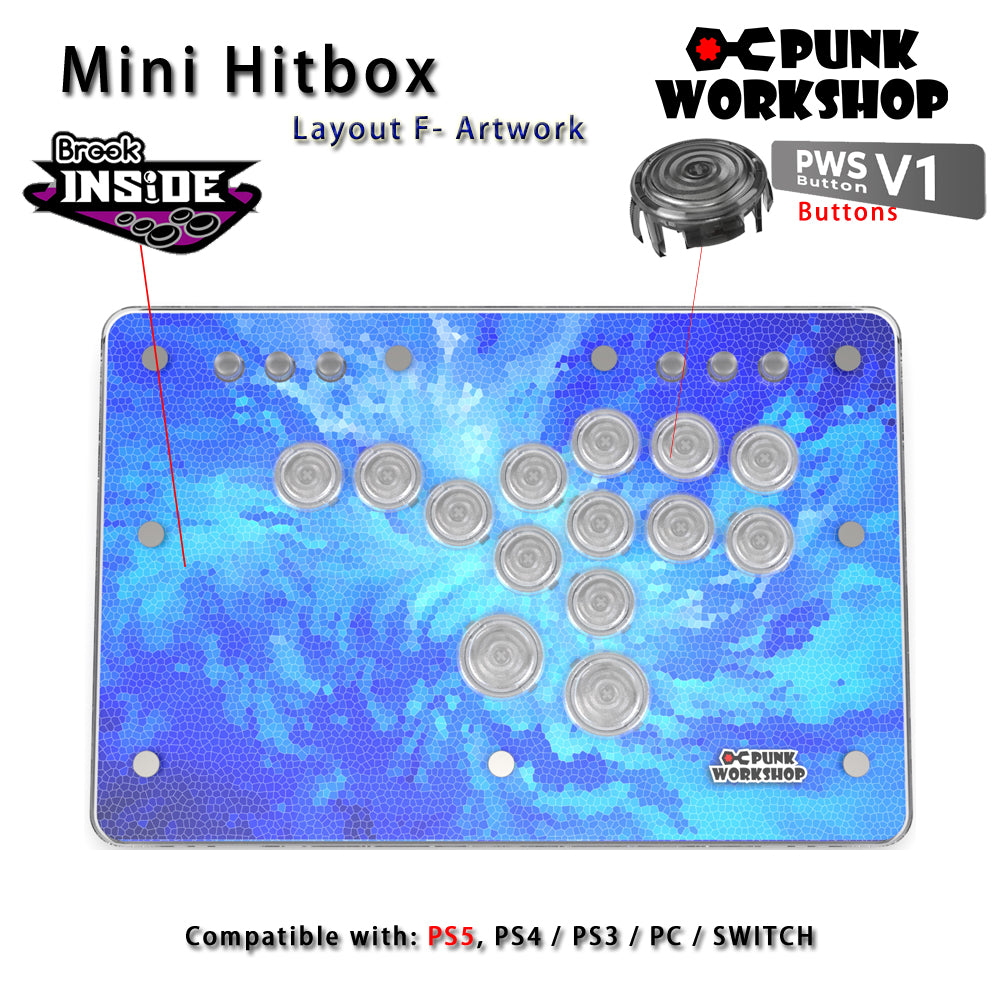
Brook Inside
The Brook model comes with the Brook Gen-5 Fighting Board, making it usable on various hardware such as PS5, Switch2, and PC. The Brook Gen-5 Fighting Board achieves market-leading ultra-low latency input, providing players with the optimal control environment.
(The brook board may change to the newest version if have)
SOCD Cleaner Mode Switching
All modes are activated by pressing the three buttons START+BACK+ Button at the same
time. Only one mode can be activated at a time.
START + BACK + 1P Neutral Mode. ↑and ↓pressed simultaneously results in a neutral input.
← and → when pressed simultaneously also results in a neutral input.
START + BACK + 2P Vertical Priority Mode, ↑and ↓when pressed simultaneously, the direction that
was pressed last takes priority. ← and → pressed simultaneously results in a
neutral input。
START + BACK + 3P Horizontal Priority Mode. When ← and → and pressed simultaneously, the
direction that was pressed last takes priority. ↑and↓pressed simultaneously
results in a neutral input.
START + BACK + 4P Last Input Direction Priority Mode. When↑and↓are pressed simultaneously,
the direction that was pressed last takes priority. When ← and → are
pressed simultaneously, the direction that was pressed last takes priority.
START + BACK + 1K. ↙→ Input Optimization Mode. Makes inputting ↙→ command easier.
SOCD function is the same as Vertical Priority Mode.
START + BACK + 2K ← ↙↓↘→Input Optimization Mode. Makes inputting ←
↙↓↘→ command easier. SOCD function is the same as Neutral Mode.
START + BACK + 3K ↓↘→ Input Optimization Mode. Makes inputting ↓↘→ command easier.
SOCD function is the same as Neutral Mode.
START + BACK + 4K Switches stick input between analog stick and LS.
Artwork hitbox film
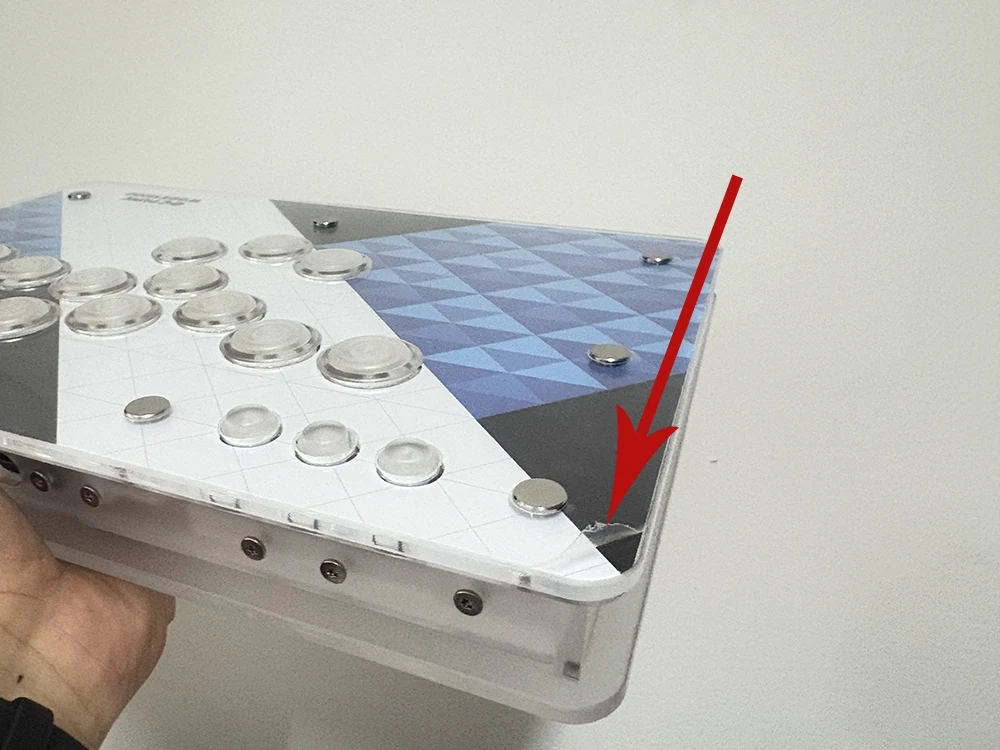
Each artwork hitbox is covering with protective film, if you get the hitbox with some scratches, don't worried, please just just remove the protective film from one corner. Hope you enjoy it.