

Sinoarcade
Punk Workshop ULTRA BOX Leverless Controller HitBox SOCD Supported Fighting Stick for PC with Mechanical Swiches Buttons
Punk Workshop ULTRA BOX Leverless Controller HitBox SOCD Supported Fighting Stick for PC with Mechanical Swiches Buttons
Couldn't load pickup availability
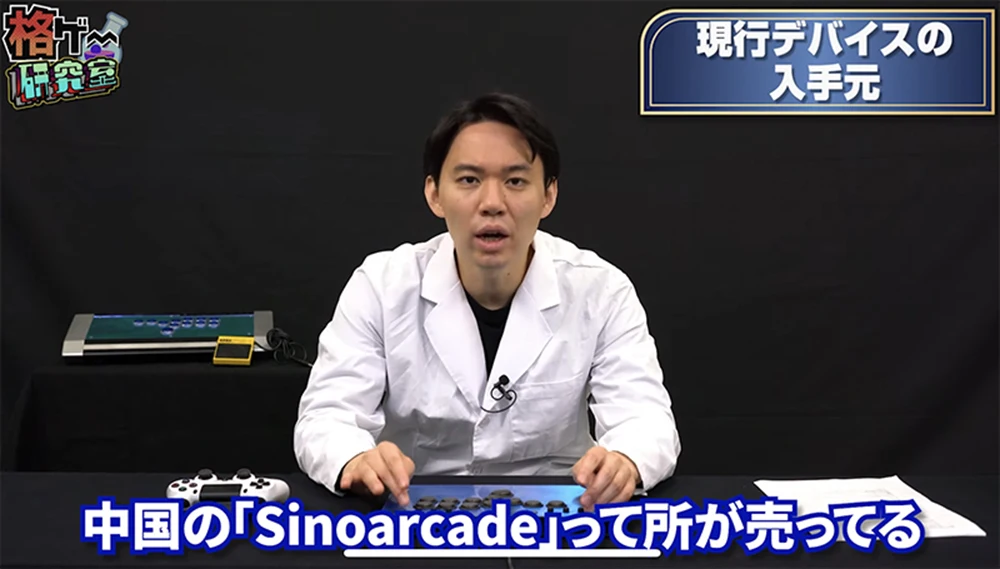
Punk Workshop ULTRA BOX Leverless Controller HitBox Controller SOCD Supported Fighting Stick for PC/Switch/PS3 with Mechanical Swiches Buttons
The Ultra BOX leverless controller is a fighting game input device optimized for use in competitive scenes. This controller is equipped with a new ultra-low stroke button, the "PUNK WORKSHOP PRO BUTTON," to enable players to input quickly.
In addition, for easy maintenance, the tabletop is designed with a magnetic opening and closing mechanism, which makes it easy to remove the tabletop for easy internal cleaning and part replacement.
The Ultra BOX leverless controller is the ideal choice for maximizing your competitive performance.
Features:
4pcs mechanical push buttons as directional keys
8pcs mechanical push buttons as action buttons
2 buttons on the side as start and select buttons
Punk workshop V1 switches in default
SOCD supports 3 modes to choose from (switched by key combination):
Up priority mode: ↑ + ↓ = ↑, ← + → = medium
Neutral mode: ↑ + ↓ = medium, ← + → = medium
Last Input Priority: Press and hold ← and press → = →, then release and press ← = ← again. Applies to both axes.
You can swap the switches to customize the Feel, Tension, and Actuation at your wishes

Specification:
Cable type: USB (Type B to Type A)
Buttons: socd lsdprs home back start L3 R3
Cable length: about 3m
Panel Material: Acrylic
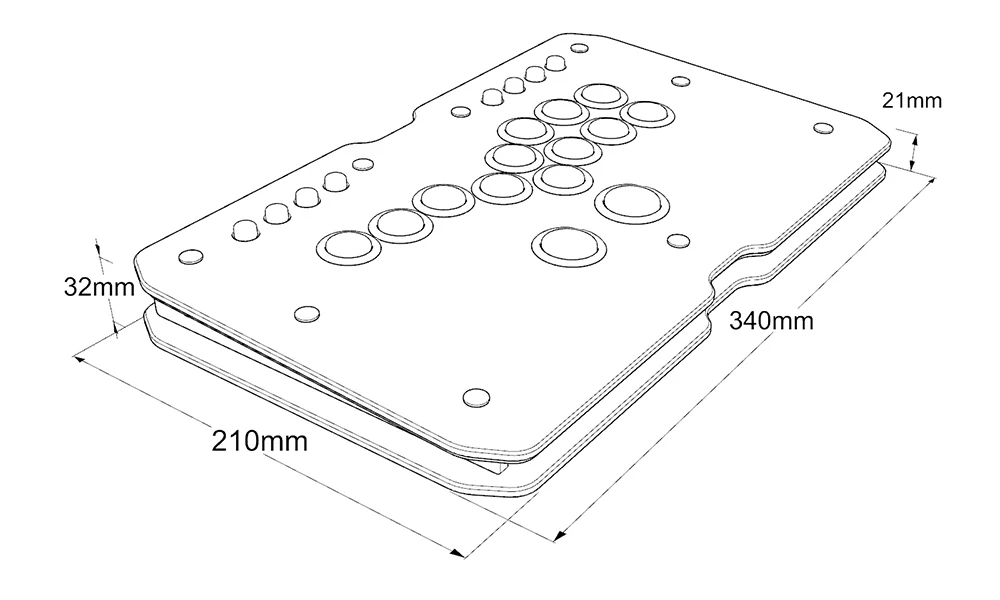
Panel Size: 298x178mm
Product Height: 27mm
Product Weight: 1.5kg

Function Buttons:
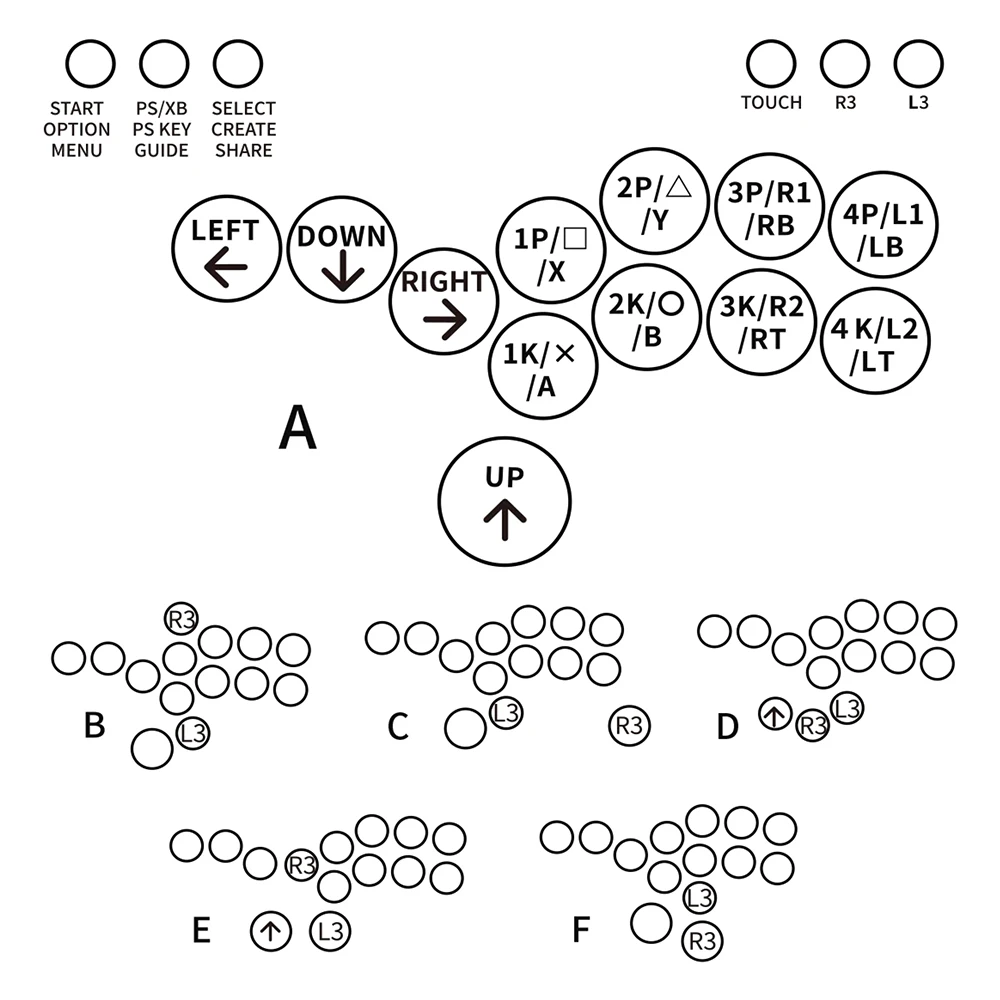
About Punk Workshop Board
The "PKB 2040" is designed specifically for fighting game play in PC environments, following the same specialized design as the previous boards. It will be shipped with a focus on stability, with unnecessary features turned off. Please note that the "PKB 2040" is intended for use with PCs, and support for use on other platforms is not available. However, it can be used on other gaming platforms, including PS5, by utilizing conversion devices such as the Brook Wingman FGC and Magicboots.
Note: "SOCD settings" refer to the function that controls the behaviour when opposing directional inputs are made simultaneously. In addition to the "SOCD settings," customers will need to perform additional configurations for other functions supported by the GP2040-CE.

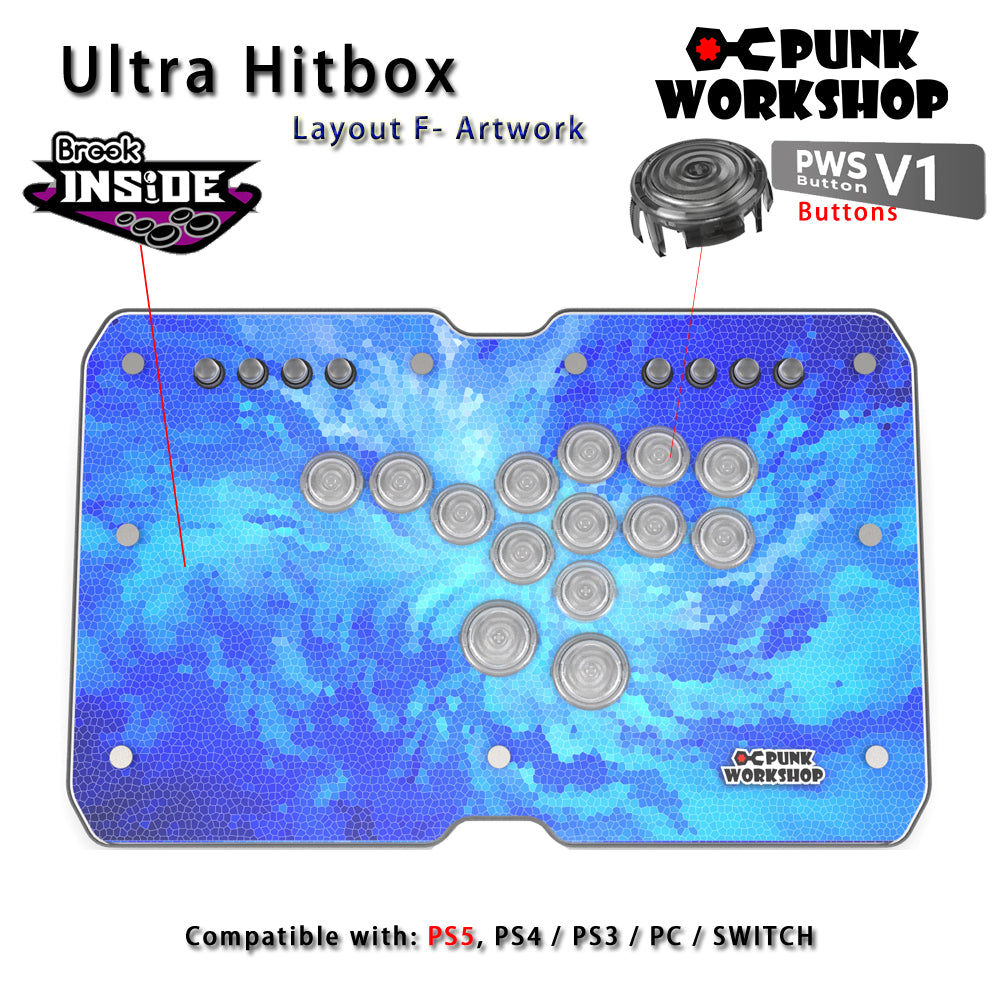
Brook Inside
The Brook model comes with the Brook Gen-5 Fighting Board, making it usable on various hardware such as PS5, Switch2, and PC. The Brook Gen-5 Fighting Board achieves market-leading ultra-low latency input, providing players with the optimal control environment.
(The brook board may change to the newest version if have)
SOCD Cleaner Mode Switching
All modes are activated by pressing the three buttons START+BACK+ Button at the same
time. Only one mode can be activated at a time.
START + BACK + 1P Neutral Mode. ↑and ↓pressed simultaneously results in a neutral input.
← and → when pressed simultaneously also results in a neutral input.
START + BACK + 2P Vertical Priority Mode, ↑and ↓when pressed simultaneously, the direction that
was pressed last takes priority. ← and → pressed simultaneously results in a
neutral input。
START + BACK + 3P Horizontal Priority Mode. When ← and → and pressed simultaneously, the
direction that was pressed last takes priority. ↑and↓pressed simultaneously
results in a neutral input.
START + BACK + 4P Last Input Direction Priority Mode. When↑and↓are pressed simultaneously,
the direction that was pressed last takes priority. When ← and → are
pressed simultaneously, the direction that was pressed last takes priority.
START + BACK + 1K. ↙→ Input Optimization Mode. Makes inputting ↙→ command easier.
SOCD function is the same as Vertical Priority Mode.
START + BACK + 2K ← ↙↓↘→Input Optimization Mode. Makes inputting ←
↙↓↘→ command easier. SOCD function is the same as Neutral Mode.
START + BACK + 3K ↓↘→ Input Optimization Mode. Makes inputting ↓↘→ command easier.
SOCD function is the same as Neutral Mode.
START + BACK + 4K Switches stick input between analog stick and LS.
Pls note:
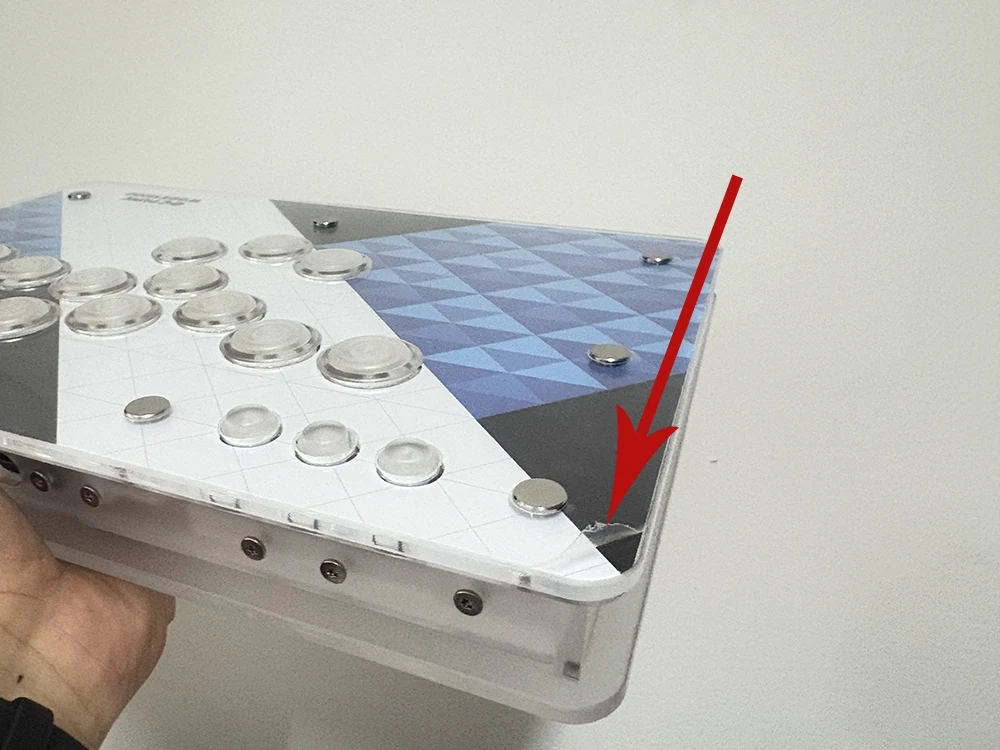
Each artwork hitbox is covering with protective film, if you get the hitbox with some scratches, don't worried, please just just remove the protective film from one corner. Hope you enjoy it.